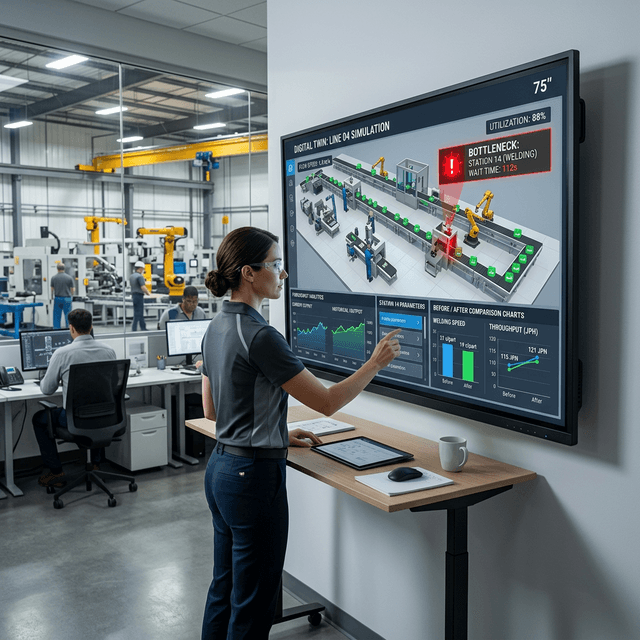
Packaging process validation
Validate package movement, spacing, placement, equipment interaction, and operator steps before physical trials or automation changes.
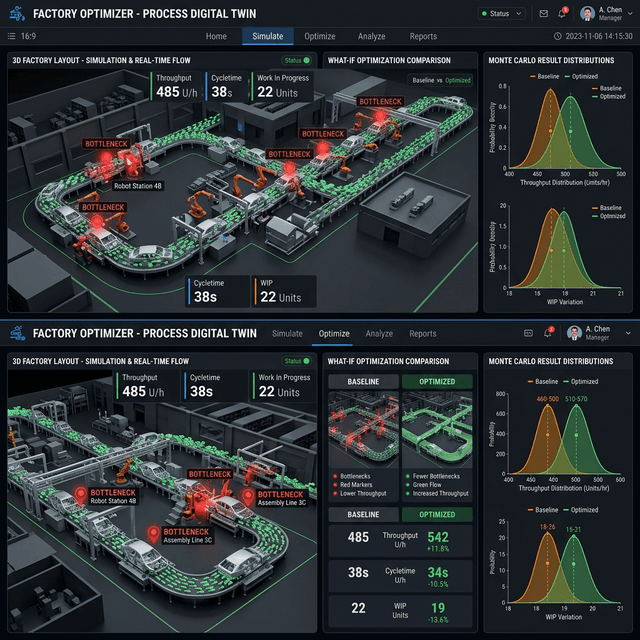
Plan, simulate, and validate before changes reach the floor
Use FactVerse Designer to plan layouts, simulate workflows, compare scenarios, forecast operational risks, and validate physical process behavior before deployment.
Core building blocks that define how this page delivers operational value.
Use FactVerse Designer to model production cells, packaging lines, warehouse zones, material paths, and operator work areas before committing to a physical layout.
Represent how people, equipment, materials, stations, timing, and work steps interact so teams can test whether an operating process will run smoothly.
Compare scenarios to forecast likely bottlenecks, waiting points, space conflicts, utilization risks, and execution constraints before field trials.
When process behavior depends on motion, collision, placement, or material interaction, validate the scenario through the Designer-to-Omniverse workflow with NVIDIA PhysX.
Practical applications and proven success scenarios across industries.
Validate package movement, spacing, placement, equipment interaction, and operator steps before physical trials or automation changes.
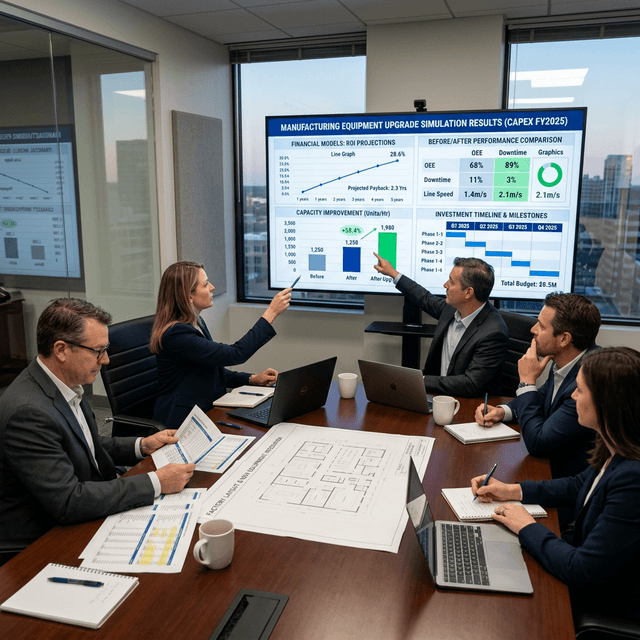
Compare line, workstation, buffer, and material flow layouts in a virtual environment before changing the real facility.
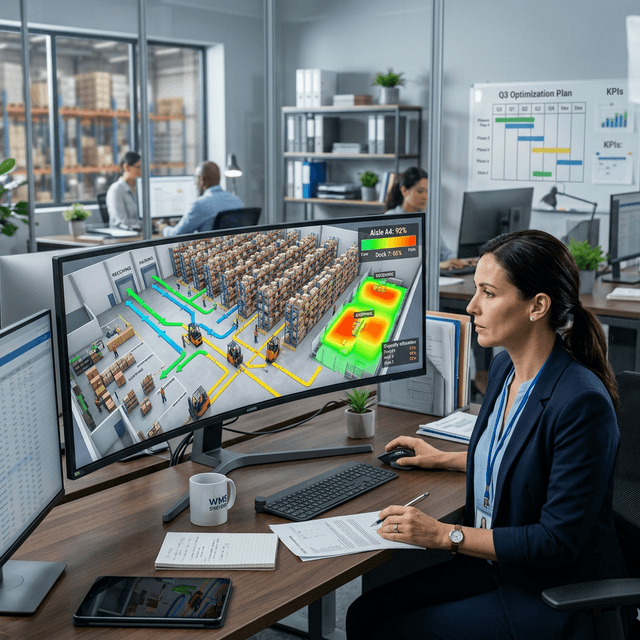
Plan warehouse zones, movement paths, picking flows, staging areas, and resource allocation before peak periods or facility changes.
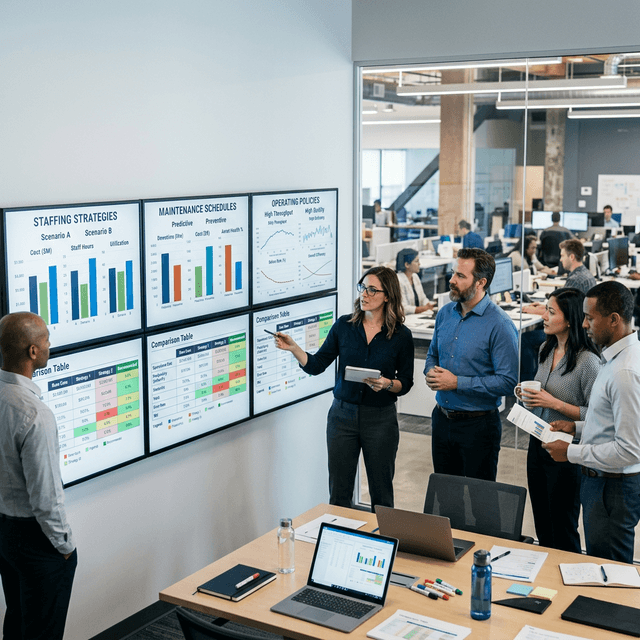
Run virtual trials of processes, equipment sequences, and operating procedures so teams can reduce on-site iteration.
Process Simulation & Virtual Planning is a FactVerse Designer workflow for teams that need to test how real-world processes may behave before changing the floor. It is used to plan layouts, model work steps, compare scenarios, and validate whether equipment, people, materials, and space can work together as expected.
This is part of DataMesh's Physical AI direction: simulation is not a standalone report. It is a way to make physical operations computable, reviewable, and ready for execution.
| Static planning | DataMesh approach |
|---|---|
| Layouts reviewed as drawings | Layouts reviewed as operational scenes in FactVerse Designer |
| Process assumptions stay implicit | Work steps, paths, timing, and equipment behavior are modeled |
| Physical issues found on-site | Motion, collision, placement, and spacing can be validated earlier |
| Scenario comparison is manual | Alternatives can be reviewed in the same virtual planning environment |
| Training starts after deployment | Validated scenarios can become execution and training material |
Process simulation and virtual planning are centered on FactVerse Designer. Designer is used to build layouts, process logic, behavior, and scenario variants. Omniverse and PhysX are used when the scenario requires physics-based validation.
No. The workflow can be described through general use cases such as packaging, logistics, production layout, and virtual commissioning without naming confidential customers.
No. The same Designer-led workflow can support packaging cells, warehouses, logistics flows, facility changes, training scenarios, and other physical operating processes.